
Tag's Identity Crisis
Updated: Apr 29
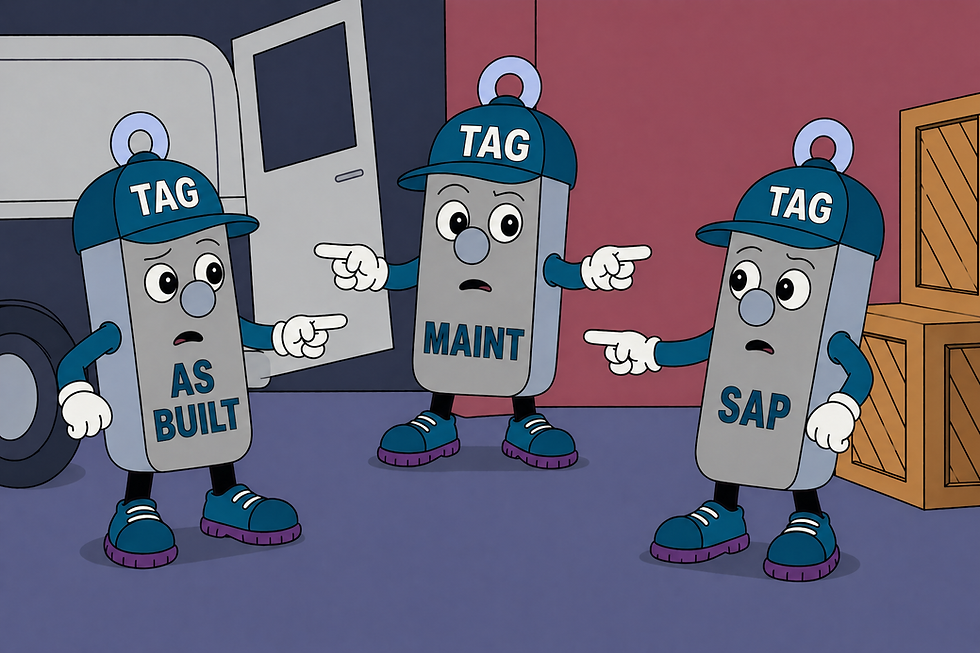
Tag has a name. At least, he thought he did.
But depending on where you look, Tag might be:
Context | Example Tag |
P&ID | P-100-23A |
Mechanical datasheet | 100-P-23A |
Electrical one line | MTR-100-P-23A |
Instrument index | P10023A |
Control system (DCS) | P100_23A |
Or something that looks almost right… but not quite
Same asset. Same job.
Different identities.
Tag is… confused.
Chapter 1: The Naming Era – When It All Made Sense (Mostly)
In the beginning, life is simple.
Tag is given a name in the design phase. It’s neat, logical, and follows a naming convention that everyone nods approvingly at.
He appears in drawings. He shows up in documents. He lives happily in spreadsheets.
Everything matches. Everything aligns.
Tag knows exactly who he is.
Chapter 2: The Slightly Different Versions of Tag
Then things start to… drift.
A system gets updated. A team tweaks the naming format. Someone adds a suffix “just to be clear.” Someone else removes it “to keep things clean.”
Suddenly:
One Tag gains a dash
Another loses an underscore
A third develops a mysterious extra letter
Individually? No big deal.
Because each system still works the way it’s supposed to.
But now… Tag has more than one name.
Chapter 3: Tag Meets… Tag?
By the time construction and handover roll around, things get interesting.
Tag exists:
In multiple systems
Across different documents
Referenced in slightly different ways
And occasionally duplicated “just in case”
At some point, Tag comes face-to-face with… another Tag.
Same asset. Same location.
Different name.
Awkward.
But also completely normal.
Chapter 4: Operations – Living With Many Names
Once the facility is up and running, those differences don’t disappear.
They become part of everyday life.
Maintenance teams search for one version Work orders land on something “close enough” History gets split across multiple identities.
On paper, everything looks fine.
In reality?
That pump that “never failed”… might just have its failures recorded under a different name.
Permits reference one version. Isolation plans reference another.
And people pause – just for a moment – to ask: “Is this the same asset?”
Chapter 5: The Real Problem – It’s Not the Variations
This isn’t about one name being right and the others being wrong.
Different systems have different needs. Different teams have different ways of working.
Variation happens.
The problem is when:
You can’t easily tell they’re the same asset
You have to manually cross-reference
Information sits in silos
Time gets lost chasing the “right” version
In higher-stakes situations, that uncertainty matters.
Tag isn’t broken.
He’s just… disconnected.
Chapter 6: When Tag Multiplies
And then – just to make things more interesting – automation gets involved.
OCR reads drawings. Systems ingest data.
And suddenly:
0 becomes O 1 becomes I. Dashes disappear entirely. New Tags are created.
Now Tag isn’t just split – he’s multiplying.
Chapter 7: Connecting the Dots
Tag doesn’t need a rebrand.
He doesn’t need every system to agree on one format.
He just needs his identities to be connected.
This is exactly what Cad-Capture’s Asset Information Management (AIM) Suite is designed to do – automatically linking every representation of Tag across drawings, documents, and systems, back to the same physical asset.
When those connections are in place:
Every version points to the same asset
Maintenance history comes together
Systems stop contradicting each other
People stop guessing
Tag can be P-100-23A in one system 100-P-23A in another P100_23A somewhere else
And still be clearly… the same Tag.
In Short: Tag Was Always Tag
The names didn’t need fixing.
They just needed connecting.
Because when you can see how everything links together:
There’s no confusion
No second-guessing
No “is this the same asset?” moments
Just one asset. Seen clearly, across every system it lives in.


Comments